
1
2
3
4

Where it runs
One activation, one device, any screen.
 Android TV
 Google TV
 Fire TV
 Apple TViPhone & iPadAndroid phone & tabletmacOS
 Samsung Tizen
 LG webOS
 Roku
RokuHow it works
Three steps, and the remote never types a URL.
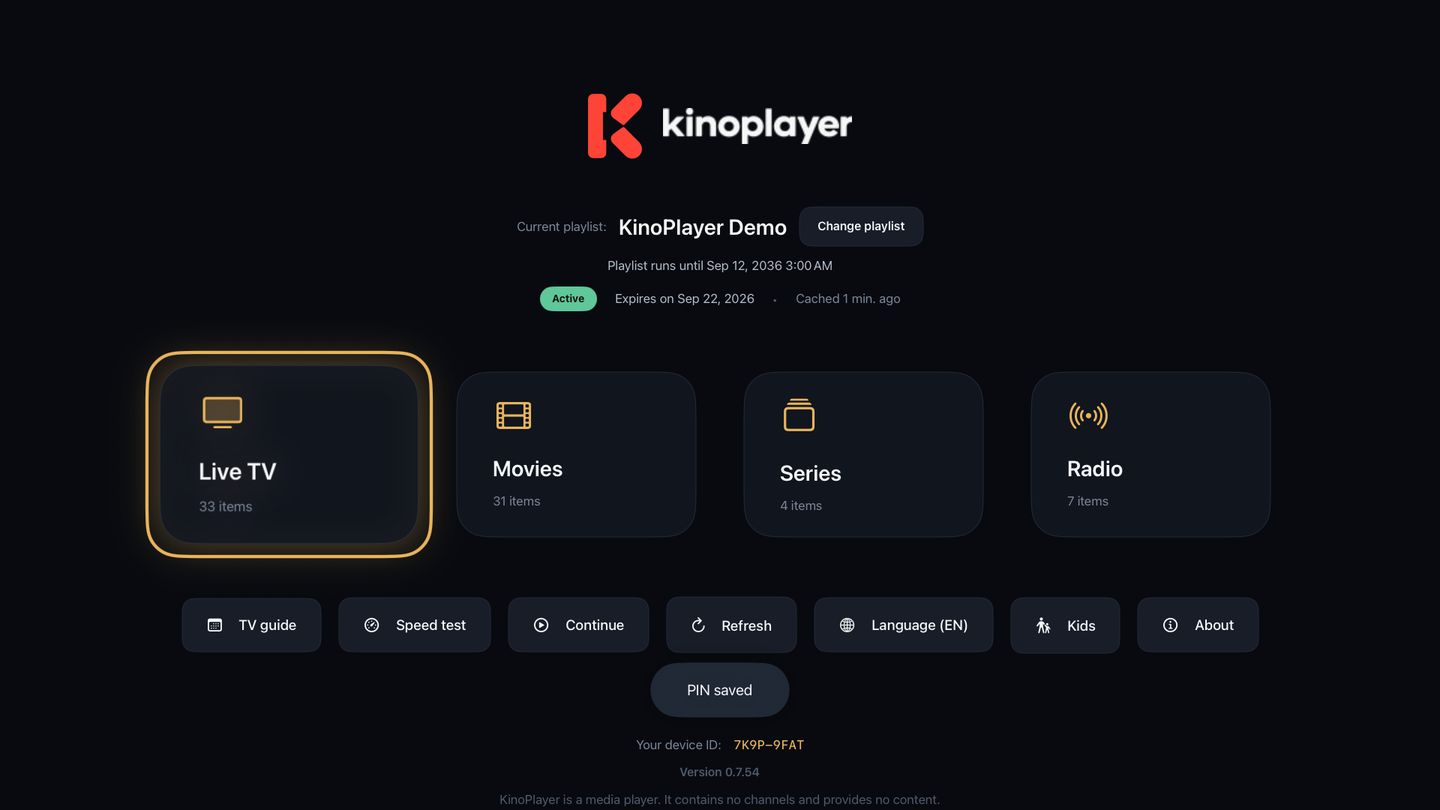
Open the app
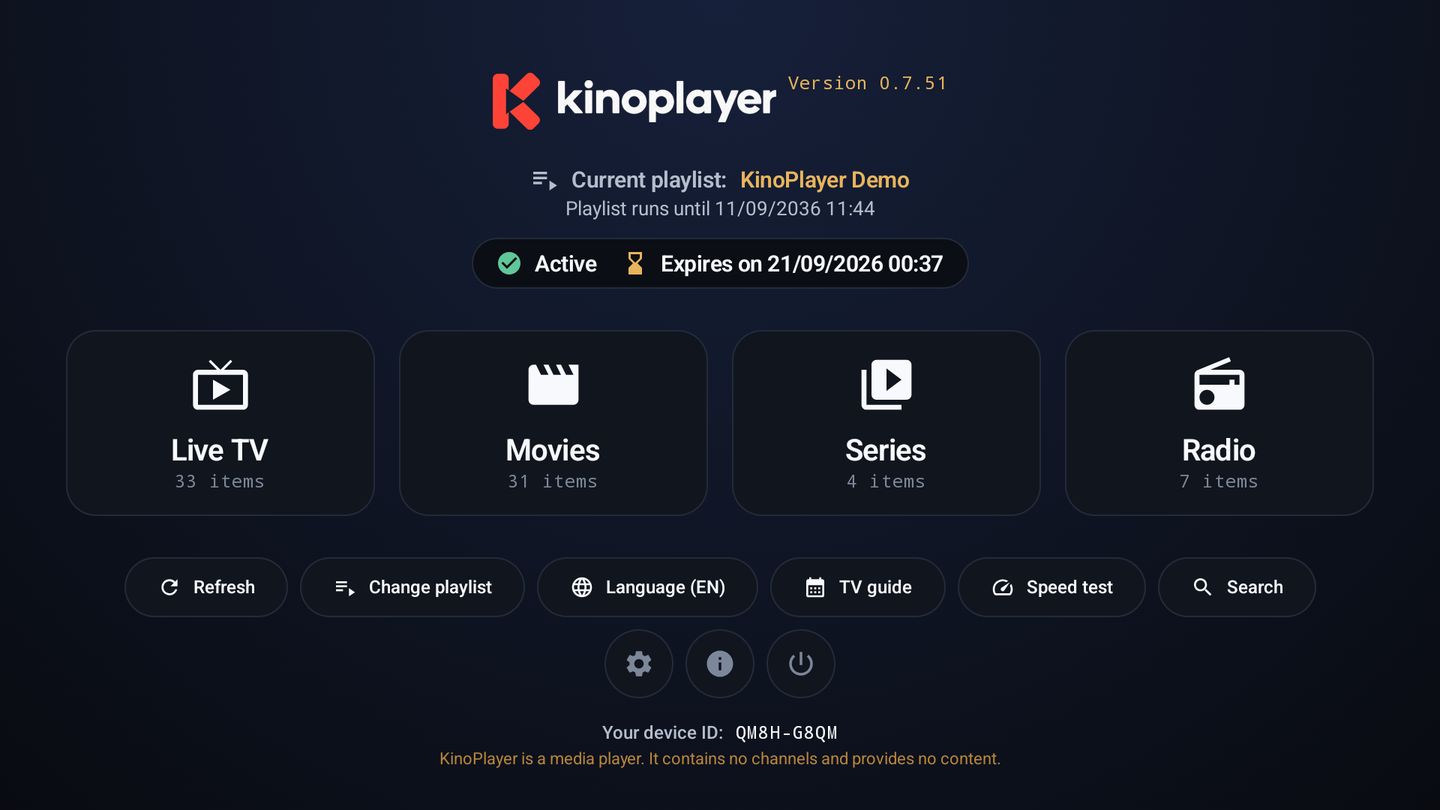
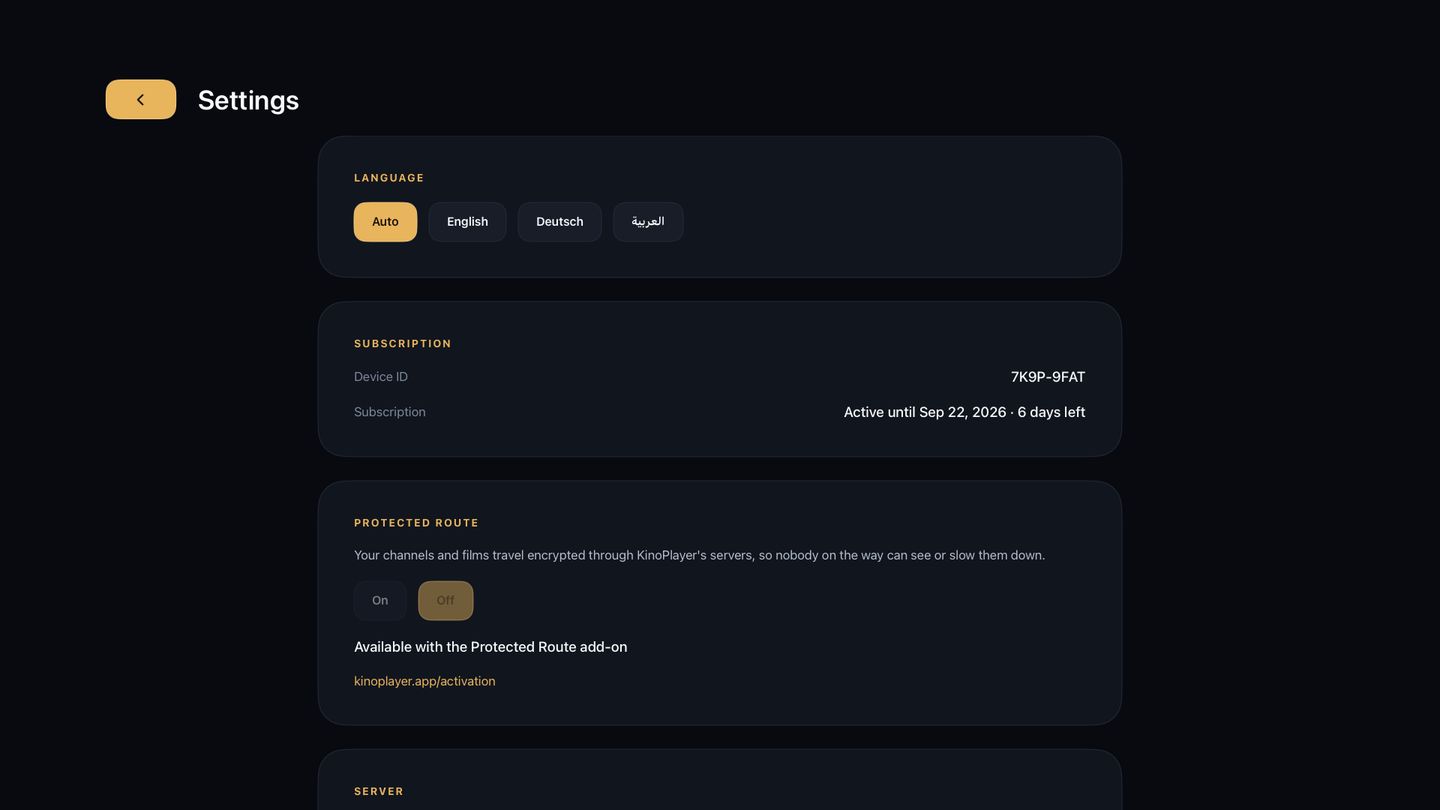
The TV shows a device ID and a device key. That pair is your account, and there is nothing else to sign up for.
Add your source here
Type the two codes on this site from your phone, then paste an M3U link or an Xtream login. Takes about twenty seconds.
Press the blue key
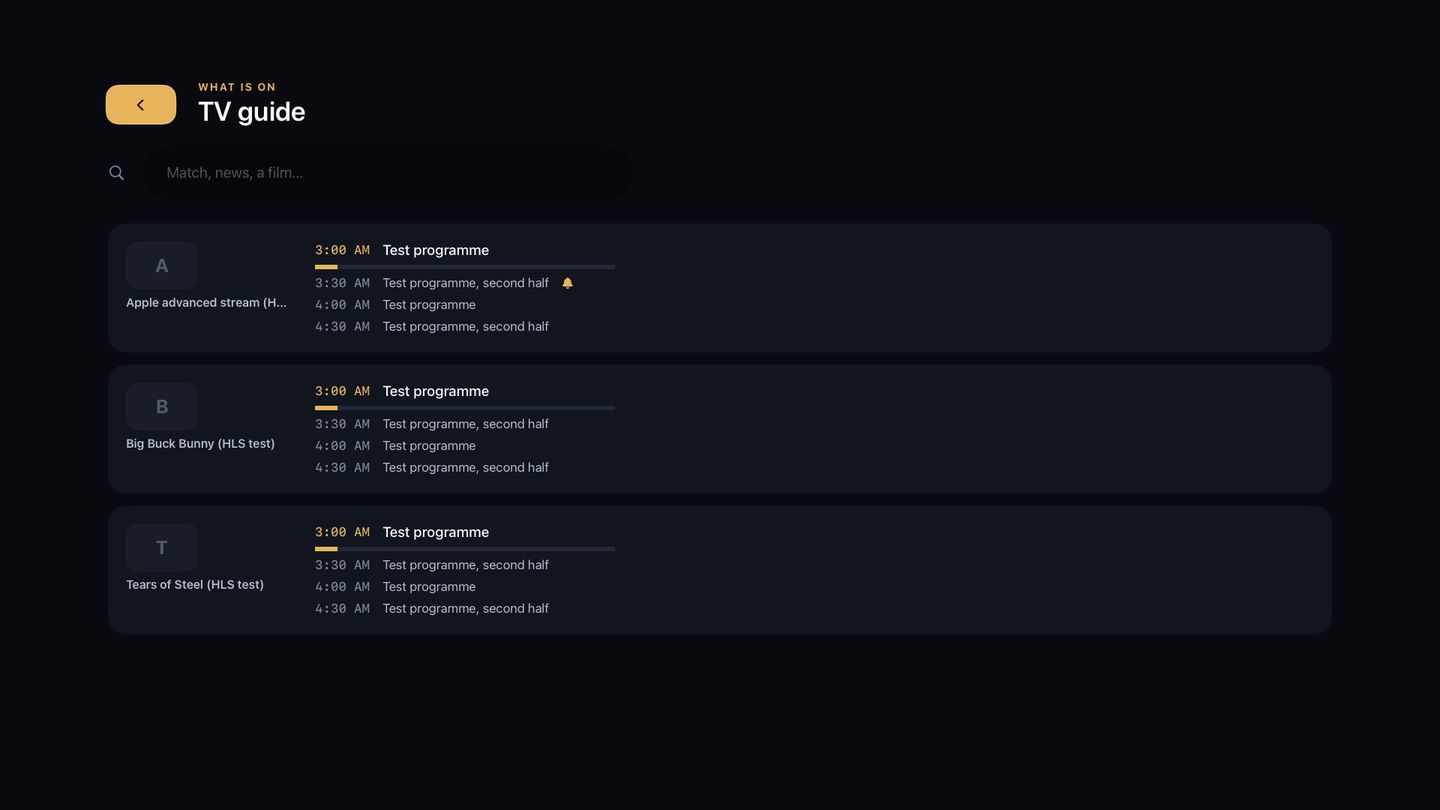
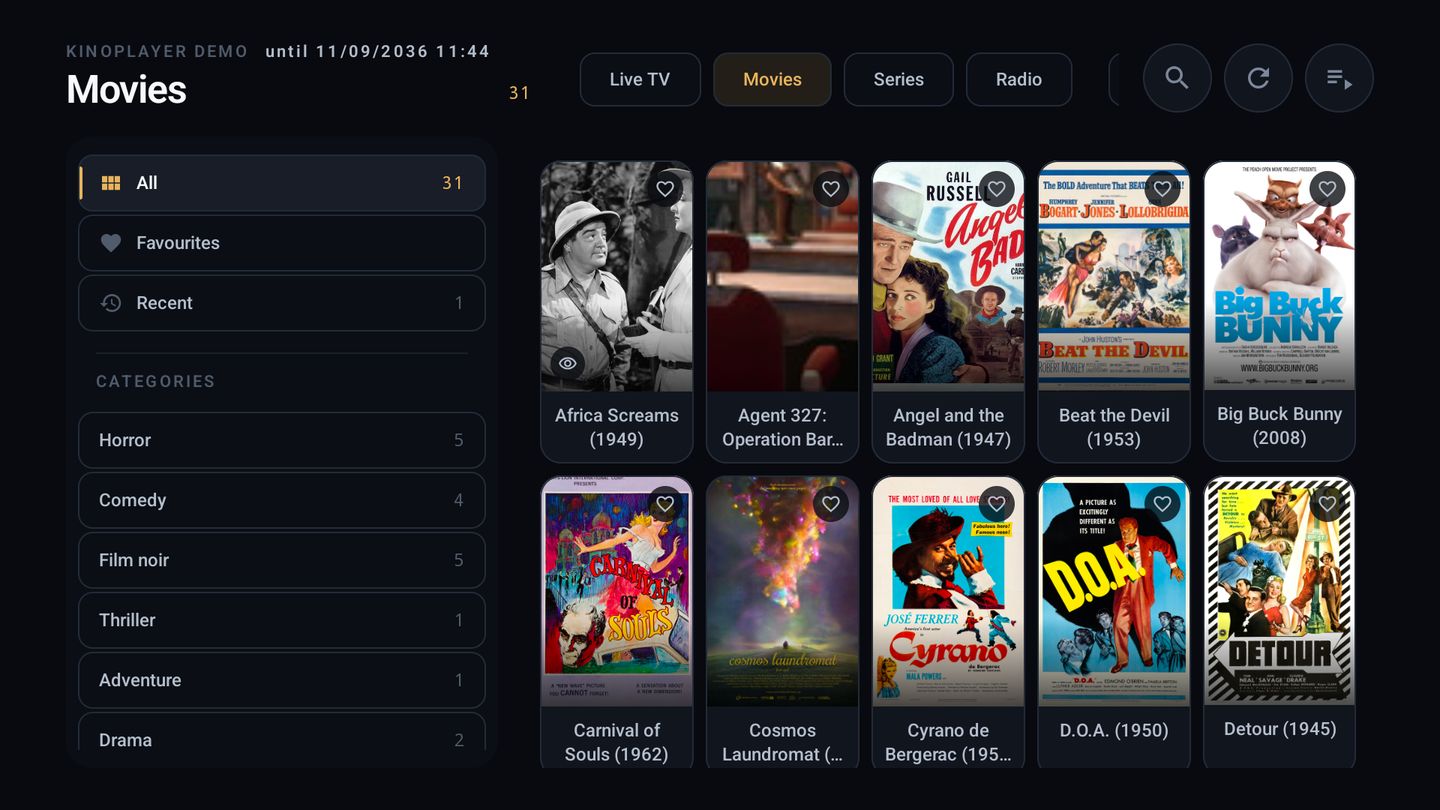
The television reloads and your channels, movies and series are there, sorted, searchable and with a programme guide.
Important
We are a player. Nothing more.
KinoPlayer supplies no channels, no playlists, no subscriptions and no content of any kind, and it never will. Your activation buys the software, never access to anything to watch.
Video never passes through our servers. The television connects to your provider directly, which also means we cannot see what you watch.
- We do not sell, resell or bundle IPTV subscriptions.
- We are not affiliated with any content provider.
- We do not recommend, index or curate sources.
- You are responsible for holding the rights to anything you add.
- Rights holders can report infringing material. See our Terms.
- Any site claiming to sell KinoPlayer with channels included is not us.
Pricing
Simple prices, per device.
Every device starts with a free seven-day trial. Nothing to cancel if you do not continue.
One year
€4.99per device, incl. 19 % VAT
- Twelve months of full access
- All features included
- Renew early without losing days
Save 20%
Two years
€7.99per device, incl. 19 % VAT
- Twenty-four months of full access
- All features included
- One payment, nothing to renew for two years
Save 33%
Three years
€9.99per device, incl. 19 % VAT
- Thirty-six months of full access
- All features included
- One payment, nothing to renew for three years
Save 40%
Five years
€14.99per device, incl. 19 % VAT
- Sixty months of full access
- All features included
- One payment, nothing to renew for five years
For shops and installers
Sell KinoPlayer to your own customers.
Start1025 €
Shop2550 €
Pro5085 €
Max100150 €
Do I get channels with this?
No. KinoPlayer is a player and contains nothing to watch. You bring your own M3U link or Xtream login from a provider you already use.
Where do I download the app?
From this site, or from your television's own store where it is listed. Anywhere else claiming to distribute KinoPlayer is not us.
Is one activation enough for my whole house?
No. An activation covers one device, so a second television needs its own.
Why does it ask for a key and not just my MAC address?
Because a MAC address is not a secret. It is printed on the device and visible to anything on your network, so a player that accepts it alone lets a stranger overwrite your playlists. KinoPlayer requires a key that only your television has seen.
My playlist will not load. What now?
Open it in a browser first. If it does not download there either, the problem is with your provider, not the player. Check that the link has not expired and that your subscription is not already in use on another device.
Can I move my activation to a new television?
An activation is bound to one device. Get in touch if your hardware failed and we will look at it case by case.
Do you know what I watch?
No. We store the playlist address you enter so the television can fetch it, but the video itself never touches our servers. Your TV talks to your provider directly.
Does it work with IPTV? Which provider do you recommend?
KinoPlayer plays any M3U playlist or Xtream login you enter, the same way VLC plays any file you open. It comes with no channels, no playlists and no provider, and we do not know, test or recommend any provider. Whether a source is lawful is your responsibility: our terms require that you hold a valid subscription or licence for whatever you load, and an activation used to access material without that right can be suspended. Support cannot tell you which provider to use or help you find one; it helps with the player. If you are a rights holder and believe the app is being used to infringe your rights, write to abuse@kinoplayer.app.